
ConfigsFree
SettingsMenu | Free
A customizable DeluxeMenus settings menu with 6 essential player options, powered by SettingsAPI for a seamless and convenient player experi
New0 downloadsUpdated 2026-11-01
UNKNOWN DEVELOPMENT
0 sales★ 0.0
PrivateSettingsMenu
Give your players more control over their gameplay experience with PrivateSettingsMenu — a clean, modern, and easy-to-use settings menu designed to make managing player preferences simple and convenient!
✨ What's Included?
The menu includes 6 useful player settings:
- Private Messages – Enable or disable incoming private messages.
- Public Chat – Hide messages from other players while still being able to send your own messages.
- TPA – Control incoming teleport requests.
- TPAHere – Control incoming teleport-here requests.
- Payments – Control incoming payments through EssentialsX "/pay".
- TAB Scoreboard – Toggle the visibility of the TAB scoreboard.
Each setting comes with a clear status indicator, allowing players to instantly see whether it is enabled or disabled. Everything is organized in one convenient menu, so players don't have to remember multiple commands.
⚙️ Why Is SettingsAPI Included?
SettingsAPI is the companion plugin that powers PrivateSettingsMenu.
It manages and stores individual player preferences, processes setting changes, and provides PlaceholderAPI placeholders to display each setting's current status.
It also handles the commands used to manage player settings.
SettingsAPI is required for PrivateSettingsMenu to function properly. Both plugins must be installed for the complete experience.
📦 Dependencies
Required software:
- Paper 1.21.11
- Java 21
Required plugins:
- DeluxeMenus
- PlaceholderAPI
- EssentialsX
- TAB
- SettingsAPI (Included)
🚀 Installation
- Make sure your server is running Paper 1.21.11 with Java 21.
- Install all the required plugins listed above.
- Put "SettingsAPI.jar" inside your server's "plugins" folder.
- Locate the provided "settings.yml" file.
- Put "settings.yml" inside "plugins/DeluxeMenus/gui_menus/".
- Open "plugins/DeluxeMenus/config.yml" and add the following text:
settings:
file: settings.yml
- Save the file and restart your server.
- Open the settings menu using its configured command.
💡 Important Notes
- SettingsAPI must be installed alongside PrivateSettingsMenu.
- Make sure all required plugins are installed.
- Keep the "settings.yml" filename unchanged.
That's set!
Same creator
More from UNKNOWN DEVELOPMENT
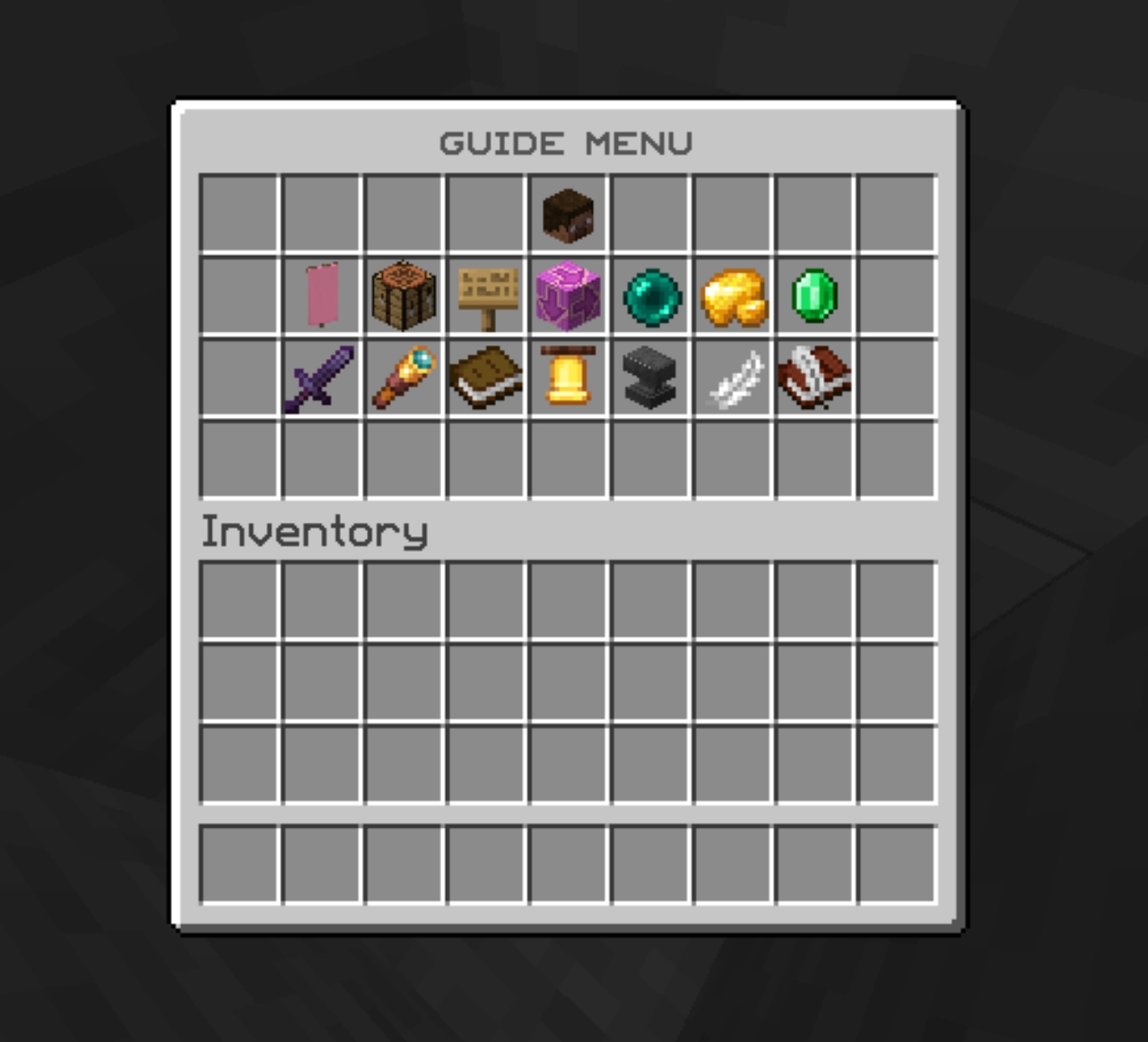
Configs
Guide Menu | FREE
A complete server guide, bringing all essential features together in one convenient menu.
by UNKNOWN DEVELOPMENT
FreeNew
You may also like
Similar resources

Configs
Guide Menu | FREE
A complete server guide, bringing all essential features together in one convenient menu.
by UNKNOWN DEVELOPMENT
FreeNew